
What the logs showed
Our site runs on Cloud Run behind Google's load balancer, which logs every request. Since October 4, when the site moved there, we read those logs with a small script, ai_traffic.py, that sorts requests by the crawler named in their user agent: GPTBot and ChatGPT-User from OpenAI, ClaudeBot and Claude-User from Anthropic, PerplexityBot, Applebot, CCBot and others, with Googlebot and bingbot as a baseline. Seventeen names in all.
From October 4 to October 17, 2026, it found 1,835 page requests under those names. The site answered 1,170 of them with a page. It refused the other 665, and 454 of those asked for files no public site should ever serve.
- page requests that named a known crawler, October 4 to 17
- 1,835
- of them asked for secrets, keys or config files
- 454
- had .env in the path
- 299
- crawler names were used by those requests
- 17 of 17
What they asked for
The 454 requests tried 181 different paths. Most were variations on a few ideas:
.envfiles, in 299 requests:/.env,/.env.local,/.env.production, and the same names under/app,/srcor/public. Many frameworks keep API keys and database passwords there while you develop.- Paths that start with
/@fs/, in 62. That's how Vite's development server serves files from disk, and a 2025 advisory showed it could hand out any file when that server was exposed to the network. - Cloud credentials, in 61:
/google-credentials.json,/firebase-credentials.json,/keys/service-account.json. - Linux process files such as
/proc/self/environ, which holds a running program's environment variables, in 38. - SSH keys and git settings, such as
/.ssh/id_rsa,/.git/configand/.git-credentials, in 27.
They came in four bursts: 54 on October 6, 72 on October 8, 190 on October 10 and 138 on October 16. That looks like a tool working through a list of paths. A crawler that reads a site follows its links and its sitemap instead.
Every crawler name was borrowed
All 17 names showed up in those requests, Googlebot included, with 40. Under five names, nothing got a page at all: every request that said PerplexityBot, Perplexity-User, DuckAssistBot, CCBot or MistralAI-User was refused.
| Name | Operator | Answered | Refused | Asked for secrets |
|---|---|---|---|---|
| GPTBot | OpenAI | 93 | 41 | 27 |
| OAI-SearchBot | OpenAI | 54 | 43 | 29 |
| ChatGPT-User | OpenAI | 11 | 51 | 34 |
| ClaudeBot | Anthropic | 386 | 41 | 22 |
| Claude-SearchBot | Anthropic | 1 | 41 | 29 |
| Claude-User | Anthropic | 3 | 42 | 32 |
| PerplexityBot | Perplexity | 0 | 44 | 26 |
| Perplexity-User | Perplexity | 0 | 39 | 28 |
| MistralAI-User | Mistral | 0 | 18 | 9 |
| DuckAssistBot | DuckDuckGo | 0 | 44 | 34 |
| Applebot | Apple | 141 | 37 | 21 |
| CCBot | Common Crawl | 0 | 35 | 27 |
| meta-externalagent | Meta | 16 | 31 | 23 |
| Bytespider | ByteDance | 6 | 44 | 33 |
| Amazonbot | Amazon | 131 | 31 | 22 |
| Googlebot | 291 | 57 | 40 | |
| bingbot | Microsoft | 37 | 26 | 18 |
The scanners didn't write their own user agents. They used 21 different strings, and 8 were the same, character for character, as strings that fetched our pages in those same days. Reading the user agent can't tell them apart.
| Answered with a page | 1,170 requests |
|---|---|
| Refused, other paths | 211 requests |
| Refused, asking for secrets | 454 requests |
How to tell a crawler from a borrowed name
A user agent is a claim the sender makes about itself. Anyone can put GPTBot/1.4 in a header. What a scanner can't borrow is the address it sends from, and the large operators say how to check theirs:
- 01Google: look up the IP's reverse DNS, check that the name ends in
googlebot.com,google.comorgoogleusercontent.com, then look up that name and confirm it returns the same IP. Google also publishes its crawlers' IP ranges as JSON files (Verifying Googlebot). - 02OpenAI: one list of IPs per crawler, at
openai.com/gptbot.json,openai.com/searchbot.jsonandopenai.com/chatgpt-user.json(OpenAI's crawlers). - 03Anthropic: one list at
claude.com/crawling/bots.json, and a source IP on it means the request comes from Anthropic (Anthropic's crawlers).
Our script doesn't check IPs: it never asks the logs for them, on purpose. So it treats the user agent as a claim and lets the site's answer decide what counts. A request is a page read only if the site answered it with a page.
for _, user_agent, url, _, status in rows:
    crawler = crawler_of(user_agent)
    if not crawler or NOT_A_PAGE.search(url):
        continue
    if status.startswith("2") or status == "304":
        read[crawler] += 1
        pages[crawler][path_of(url)] += 1
    else:
        refused[crawler] += 1
That makes our "answered" numbers an upper bound: a scanner that asked for a page that exists would count too. Before a decision that depends on them, like blocking or allowing a crawler, check the IP.
What our site answered
Of the 454 requests asking for secrets, 441 got a 404 Not Found. Two asked for /admin/.env and were sent to the admin's sign-in page, as every address under /admin is without a session. The other 11, path tricks like /media../.env, have no status in the log.
None of those files exist where the site runs, and that's by design. The image Cloud Run runs holds the app's build output, and .dockerignore keeps every .env file out of it:
node_modules
.next
.env*
!.env.example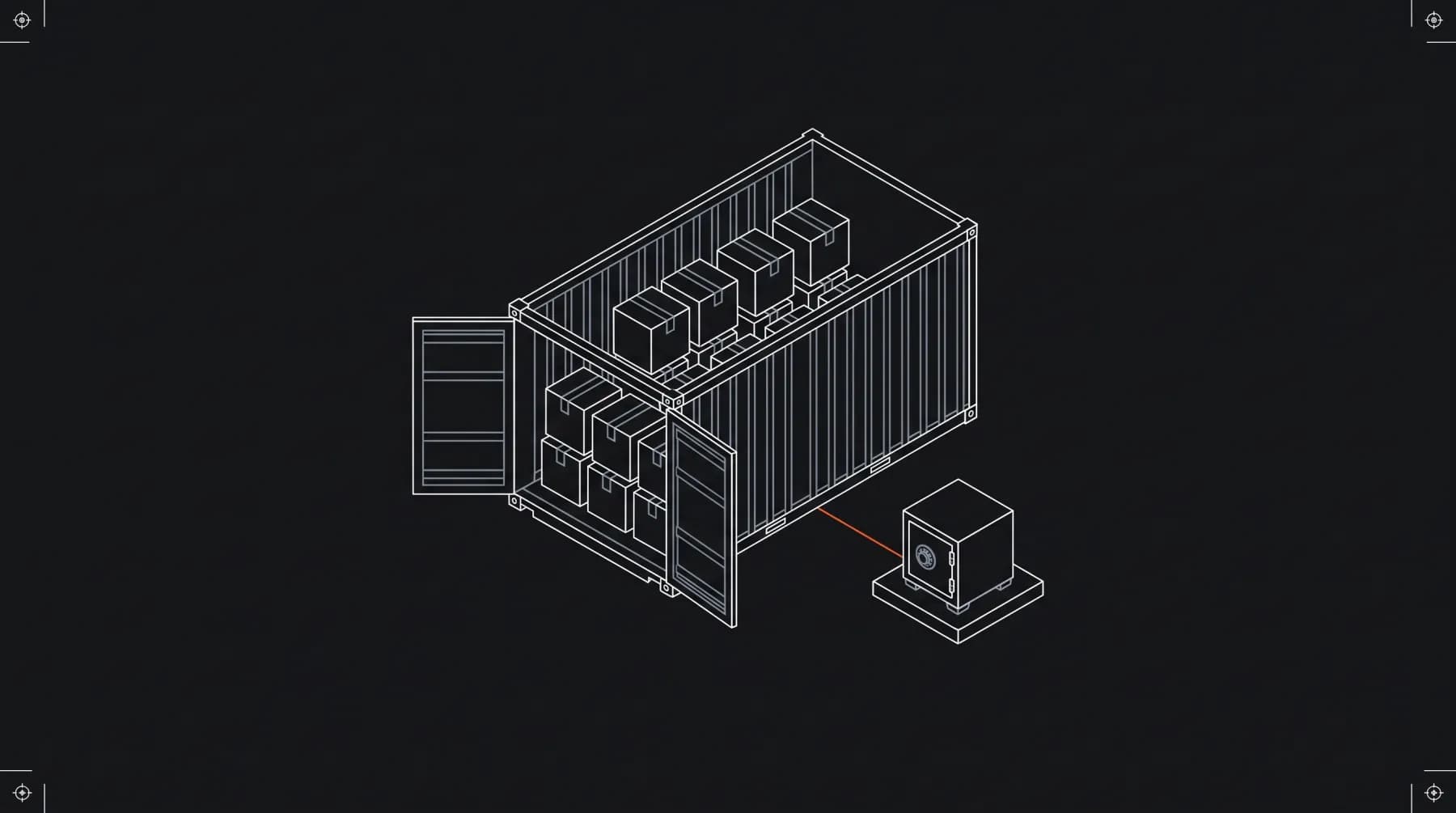
The secrets live in Google's Secret Manager, and Cloud Run hands them to the app as environment variables when it starts. There is no file to find, so a 404 is the right answer, and a cheap one: no firewall rule and no list of bad user agents to keep up to date.
Don't block by user agent
A block on a user agent stops the honest crawler and not the scanner, which can send any name. Use robots.txt to tell real crawlers what to read, and make sure no secret is reachable under any name.
What we'd tell anyone reading their logs
A user agent is a claim the sender makes about itself.
- Count only answered requests as visits. A crawler's name on a 404 for
/.envtells you about scanners, not about AI search. - Before you block or allow a crawler, check its IP against the operator's published list or its reverse DNS.
- Keep secrets out of what you deploy, and check the image, not only the repository.
- Read the server's logs, not only your analytics. Analytics that run in the browser won't show these requests: the tools behind them ask for paths, they don't load pages.
If you're building a web platform and want its secrets, logs and deploys set up this way from day one, see what fits or send us a brief.