
Three places a request can be stopped
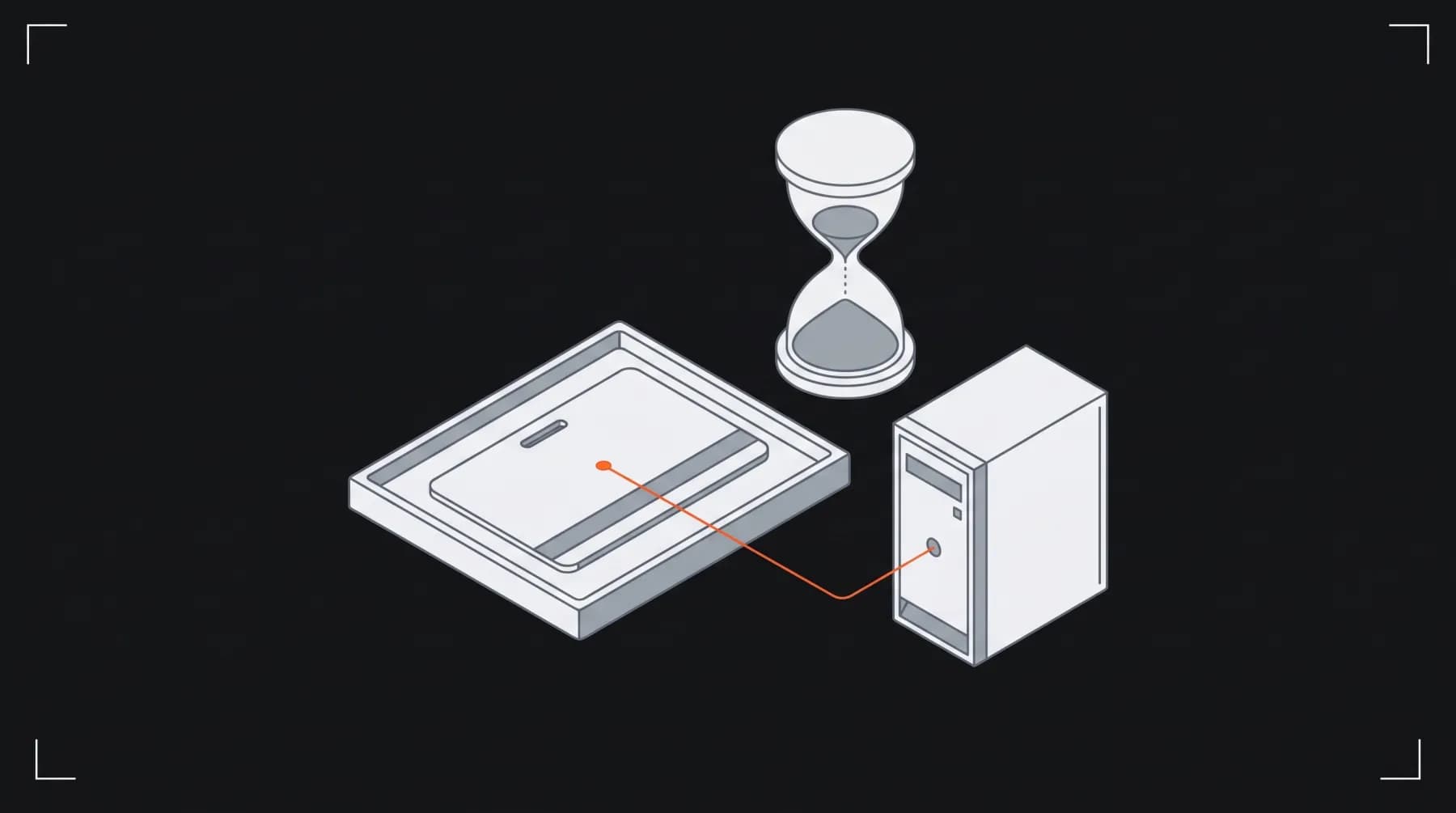
A request for an admin page in a Next.js app passes through up to three places that can turn it away: the proxy, which runs before any page; the server code that renders the page or runs the action; and, if the data lives behind a separate API, that API.
They are not three copies of the same check. The proxy only sees the request: its path, its headers, its cookies. The page and the data layer can ask the auth library whether the session is real. The API can verify its own proof of who is calling. Each one catches something the one before it can't.
The usual mistake is to stop at the first one. It works in a demo: you sign out, open /admin and get sent to the sign-in page. What the demo doesn't show is a request that carries a cookie the proxy can't judge, or one that never passes through the proxy at all.
Why the proxy can't be the only check
Next.js's own authentication guide calls the proxy check optimistic: it should read the session from the cookie and skip the database, because the proxy runs on every route, prefetched ones included. The same guide says the proxy "should not be your only line of defense" and that most security checks belong as close as possible to the data.
Auth libraries say the same about their proxy helpers. Better Auth's Next.js docs say getSessionCookie only checks that a session cookie exists and doesn't validate it, and that relying on it alone is dangerous, because anyone can create a cookie by hand.
- CVSS score of CVE-2025-29927, rated critical
- 9.1
- the day Next.js published the advisory
- Mar 21, 2025
- release lines patched: 12.3.5, 13.5.9, 14.2.25 and 15.2.3
- 4
Then there's the case where the proxy doesn't run at all. CVE-2025-29927 let a request skip authorization checks done in middleware, and the advisory's workaround was to block external requests carrying the x-middleware-subrequest header. An app whose only check lived there had none left.
// proxy.ts: a quick filter, not the lock
import { NextRequest, NextResponse } from "next/server";
import { getSessionCookie } from "better-auth/cookies";

export function proxy(request: NextRequest) {
  // Only checks that a cookie exists. It doesn't validate it.
  if (!getSessionCookie(request)) {
    return NextResponse.redirect(new URL("/sign-in", request.url));
  }
  return NextResponse.next();
}

export const config = { matcher: ["/admin/:path*"] };
Put the real check where the data is read
The guide's answer is a data access layer: one server-only function that verifies the session and returns the user, called by every function that reads or changes admin data. If the check lives there, no page, action or route can reach the data without passing it, and nobody has to remember to add it.
For an admin, "verified" means three things: the session is real (the auth library looks it up, not just the cookie), the user has the right role, and the user is still on the list of people allowed in. The last one matters when someone leaves the team: their session may still be valid, but the list says no.
// lib/dal.ts: the check every admin read and write calls
import "server-only";
import { cache } from "react";
import { headers } from "next/headers";
import { redirect } from "next/navigation";
import { auth } from "@/lib/auth";

export const requireStaff = cache(async () => {
  const session = await auth.api.getSession({ headers: await headers() });
  if (!session) redirect("/sign-in");               // no session, or a forged cookie
  if (!isAllowed(session.user.email)) redirect("/sign-in"); // signed in, but not staff
  return session.user;
});
Layouts don't count
A check in a layout isn't enough. Next.js keeps layouts between navigations without re-rendering them, so the session isn't checked again on every route change, and a layout doesn't stop the pages under it from running.
Actions and route handlers check on their own
Server Actions and Route Handlers can be called directly, without the page that shows the button. The guide's advice is to treat them like public API endpoints:
- Every Server Action that changes admin data calls the same data access function first, even if the page that shows it already did.
- Every Route Handler under the admin checks too, and answers 401 when there's no session and 403 when the user isn't allowed.
- Hiding a button from people who can't use it is good UI, and it isn't security: the action behind it still checks.
If a separate API holds the data
Many admins don't read a database directly: the Next.js server calls a backend API. That API shouldn't trust the web app just because the request came from it. A header that says "this is staff" can be sent by anything that can reach the API.
A safer pattern: after its own check, the web server mints a short-lived token signed with a private key, and the API verifies the signature, the expiry and who issued it against the web app's published public keys. A stolen token stops working within minutes, and the API never shares a secret with the web app.
Keep the token's lifetime short and its contents small: who the user is, who issued it, who it's for and when it expires. The API should reject a token whose issuer or audience doesn't match, and it should be able to fetch new public keys when the web app rotates them, so a key change doesn't lock everyone out.
A checklist for your own admin
None of this needs a new library. It needs the checks in the right places, and a way to see that they're there. The table sums up the layers; the list after it is a set of tests you can run in an afternoon.
| Layer | Checks | Stops | Can't stop |
|---|---|---|---|
| Proxy | a session cookie exists | casual visitors, quickly | a forged cookie; a request that skips it |
| Data access layer | session, role, allowlist | forged cookies, removed users | an API that trusts any caller |
| Server Actions and routes | the same function, again | direct calls without the page | nothing, if they call it |
| Backend API | its own signed, short-lived token | requests that bypass the web app | a leaked signing key |
A proxy can turn people away quickly. It shouldn't be the only thing standing in front of the data.
- Search your code for every place admin data is read or changed, and check that each one calls the same verification function.
- Sign in, remove yourself from the allowed list, and reload: you should be out.
- Send a request with a made-up session cookie: the proxy lets it through, and the data layer should stop it.
- Call a Server Action or an API route directly, without the page: it should answer 401 or 403.
- Check your Next.js version against the advisories, and keep it current.
If you're building an internal tool or a client portal and want the access rules designed in from the start, our web platforms service covers it, or send us a brief.